What Is a College Application Portal? A Student Guide

A college application portal is an online platform that lets applicants submit applications, upload required documents, monitor their admissions status, and communicate directly with colleges in one centralized place. MEFA defines it as a tool containing key personal information that enables status monitoring and document tracking throughout the admissions process. If you are a high school student or parent trying to make sense of the college application process, understanding how these platforms work is the single most practical skill you can develop before hitting “submit” on your first application.
Most students encounter at least three to five separate portals during a typical application cycle. The Common App portal, individual university application portals, and post-submission applicant gateways each serve a distinct purpose. Knowing which platform does what, and when to check it, keeps you organized and reduces the anxiety that comes from feeling like you might be missing something important.
What is a college application portal and how does it work?
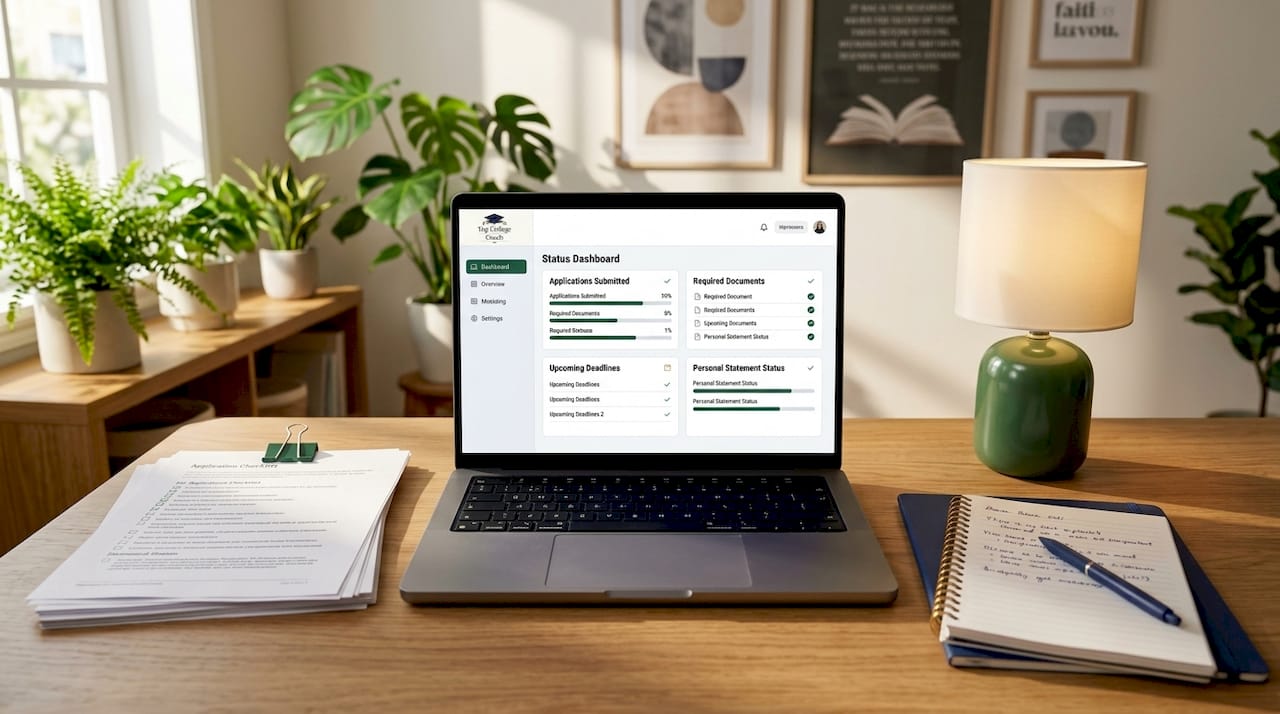
A college application portal is the digital hub where every step of your application lives, from the moment you start filling out forms to the day a decision is posted. MEFA confirms these platforms centralize personal information, document uploads, and status updates so applicants always know where they stand. The experience is not identical across every school, but the core workflow follows a predictable pattern.
Here is what you can typically do inside a university application portal:
Create your account using your email address and set a secure password. This login becomes your permanent access point for that school.
Complete and submit your application, including personal information, academic history, extracurricular activities, and essays.
Upload supporting documents such as transcripts, letters of recommendation, and test scores. Some schools accept these through the Common App; others require direct uploads.
Monitor your application status in real time. Most portals display whether each required item has been received and verified.
Receive official communications including interview invitations, requests for additional materials, and ultimately your admissions decision.
One detail that surprises many families is that the portal you use to apply is often different from the portal you use after submitting. Liaison’s Applicant Gateway is a post-submission platform used by many health professions and graduate programs that lets applicants complete additional admissions activities after their initial application is sent. This distinction matters because logging into the wrong portal at the wrong stage can make you think something is missing when it is not.
Pro Tip: Save your login credentials for every portal in a dedicated document or password manager like 1Password or Bitwarden. Losing access to a portal mid-cycle is more common than you think, and recovering an account can take days.
What types of college application portals exist?
The word “portal” is used loosely in higher education, and that ambiguity creates real confusion for students and families. A portal can mean the application form itself, a post-submission tracking dashboard, a full student information system, or a campus-wide login hub depending on which school and which stage of the process you are in. Recognizing the type of portal you are looking at tells you exactly what to expect from it.
Portal type | Primary purpose | Key features | Common examples |
Application portal | Submit initial application | Forms, essay uploads, fee payment | Common App, Coalition App |
Applicant gateway | Post-submission activities | Document uploads, status tracking, interview scheduling | Liaison’s Applicant Gateway |
Student information system (SIS) | Enrolled student records | Grades, registration, financial aid | Banner, PeopleSoft |
Campus portal | Centralized login hub | Links to all campus systems | MyUFL, MyASU |
CRM dashboard | Admissions team management | Prospect tracking, communication logs | Slate, Salesforce Education Cloud |
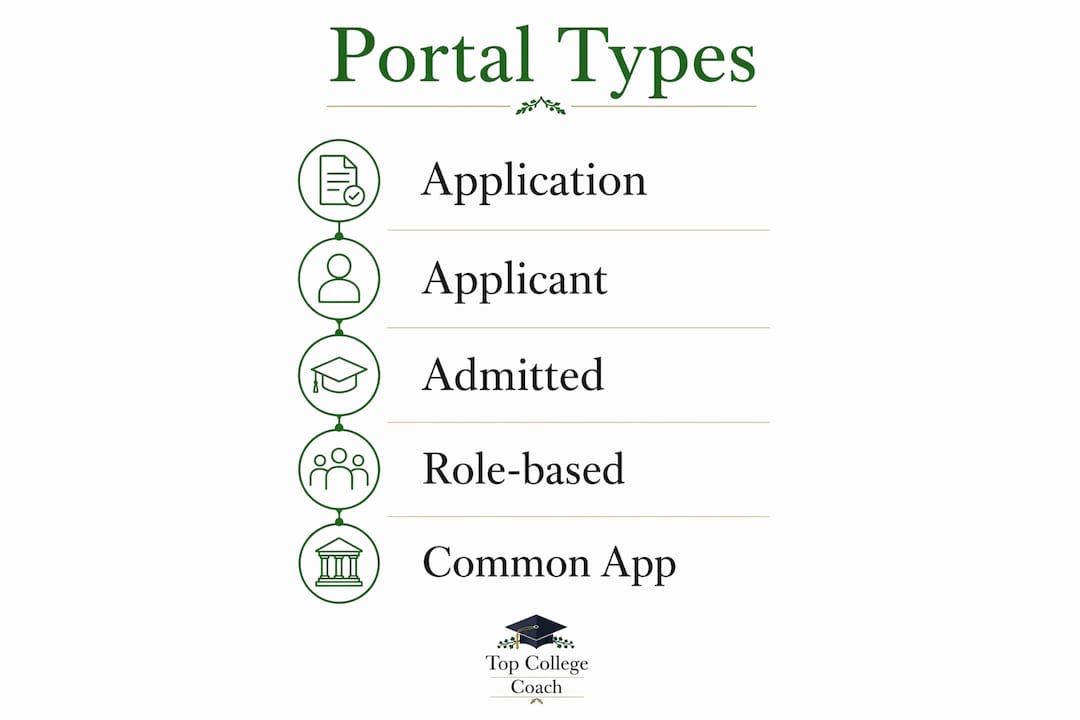
The distinction between an application portal and an applicant gateway is the one most families miss. You submit through the application portal. You monitor and complete follow-up tasks through the applicant gateway. Portal features also vary because vendors like Liaison allow each college to configure which activities appear and when, so two schools using the same underlying platform can look and function very differently.
Modern portals are moving toward role-based content, meaning the portal recognizes whether you are a prospective student, an admitted student, or an enrolled student and shows you only what is relevant to your current stage. Mobile-first design is now standard at most competitive universities, so the experience on your phone should be as complete as the desktop version.
Pro Tip: When a school emails you a “portal link,” check whether it is sending you to an application form or a post-submission gateway. The URL and the page title usually tell you immediately. Do not assume all portal links from the same school go to the same place.
How should you interpret college application status updates?
College application status indicators are official signals, and treating them as such is the most productive mindset you can bring to this process. Common status labels you will see across portals include “application submitted,” “under review,” “documents missing,” “decision posted,” and “awaiting materials.” Each label has a specific meaning, and acting on it promptly is what separates organized applicants from stressed ones.
Here is what the most common status updates actually mean and what to do about each:
“Application submitted” confirms your application reached the school. No action needed unless the portal later flags a missing item.
“Documents missing” or “incomplete” means the admissions office has not yet received or verified a required item. Contact your school counselor or the college’s admissions office immediately.
“Under review” means your complete file is with the admissions committee. This stage can last weeks or months. No action is required.
“Decision posted” is the moment you have been waiting for. Log in to the portal directly rather than waiting for an email, since email delivery can lag behind the portal update.
“Awaiting materials” often refers to test scores or recommendations that have been sent but not yet processed. Allow two to three weeks before following up.
The most important caution we can offer here involves a phenomenon called “portal astrology.” Students frequently attempt to predict admission decisions by scrutinizing minor portal changes, such as a new banner appearing, a student ID number becoming visible, or a slight wording shift in a status label. These signals are unreliable. Portal interfaces are updated for technical and administrative reasons that have nothing to do with your individual application outcome. Official portal statuses should guide your expectations. Reddit threads and Discord servers speculating about portal changes are entertainment, not intelligence.
To manage multiple portals without losing your mind, keep a simple spreadsheet with each school’s portal URL, your login credentials (or a note that they are in your password manager), the application deadline, and the expected decision date. Check each portal once a week during the review period, not every hour.
How does portal UX design affect your application experience?
The user experience design of a college application portal directly affects whether applicants complete their applications or abandon them partway through. UX-focused portal design reduces friction, removes unnecessary steps, and improves applicant confidence and completion rates. A poorly designed portal does not just frustrate you. It can cause you to miss a required field, upload the wrong document, or misread your application status.
The best-designed portals share several characteristics. They use plain language instead of administrative jargon. They show a clear progress indicator so you always know how much of the application remains. They provide real-time feedback when a document upload succeeds or fails. They are fully functional on mobile devices, which matters because many students complete portions of their applications on their phones.
“Admissions portals serve not just as application hubs but as communication centers that reduce applicant stress when well-designed.” — Think Orion on enrollment UX
Effective portal UX design leads to higher application completion, lower drop-off rates, and greater applicant satisfaction. For you as an applicant, this means that a confusing portal is not a reflection of your ability to navigate the process. It is a design problem on the school’s end. If a portal is genuinely unclear, call the admissions office directly and ask for clarification. Admissions staff would rather answer a quick question than receive an incomplete application.
Families benefit from well-designed portals too. Parent-facing views at some schools allow a parent or guardian to see checklist progress and upcoming deadlines without accessing the student’s personal information. This feature is more common at larger universities and is worth asking about if you want a parent involved in keeping track of requirements. Understanding what colleges look for in applications becomes much easier when the portal organizing that information is clear and well-structured.
Key takeaways
A college application portal is the central platform where applicants submit, track, and manage every component of their admissions process, and understanding the type of portal you are using at each stage is the clearest path to staying organized and confident.
Point | Details |
Core portal definition | A college application portal centralizes submission, document uploads, and status tracking in one place. |
Multiple portal types exist | Application portals, applicant gateways, and campus portals each serve a different stage and purpose. |
Status updates are official | Act on labeled statuses like “documents missing” promptly; ignore speculative portal changes. |
UX design affects outcomes | Well-designed portals reduce drop-off and confusion; a confusing portal is a design flaw, not your error. |
Organization is your advantage | Track every portal URL, login, deadline, and decision date in a single spreadsheet from day one. |
What I have learned from watching students navigate portals
By Randy Pryor
After working with hundreds of students applying to Ivy League and Top 20 universities, the pattern I see most often is not a lack of effort. It is a lack of clarity about which platform to check and when. Students spend enormous energy refreshing portals looking for signals that do not exist, while occasionally missing a genuine “documents missing” flag that sits quietly in a tab they stopped checking.
My honest advice is this: treat every portal like a professional communication channel, not a social media feed. You check it with purpose, you act on what it tells you, and you close it when you are done. The students who handle the college admissions process with the most confidence are not the ones who understand every technical detail of how portals work. They are the ones who built a simple system, followed it consistently, and did not let speculation derail their focus.
One more thing worth saying directly: the portal is not the application. Your essays, your transcript, your recommendations, and your authentic story are the application. The portal is just the container. Do not let anxiety about the container distract you from the quality of what you put inside it. Keep your attention on what admissions officers actually evaluate, and let the portal do its job as a tracking tool, nothing more.
— Randy Pryor, Founder - Top College Coach
Get expert help navigating the admissions process
The college application process involves more moving parts than most families expect, and portals are just one piece of the picture. At Top College Coach, we work with students applying to Ivy League and Top 20 universities, helping them stay organized, meet every deadline, and present their strongest possible application at every stage.
If you are ready to move from confusion to confidence, a free admissions strategy session with Top College Coach gives you a clear picture of exactly where you stand and what your next steps should be. We have helped students across the country gain admission to their dream schools, and we would love to help you do the same. Reach out today and take the guesswork out of the process.
FAQ
What is a college application portal?
A college application portal is an online platform where applicants submit their application, upload documents, and track their admissions status. MEFA defines it as a centralized tool for managing key personal information and monitoring application progress.
What is the difference between the Common App and a university portal?
The Common App is a shared application platform used to apply to over 1,000 colleges with one form, while a university portal is the individual school’s own platform for post-submission tracking and communication. Many schools require you to use both during the application cycle.
How do I check my college application status?
Log in to the specific portal the college assigned you after submission, look for a status dashboard or checklist, and review each item’s label. Check once a week during the review period rather than daily to avoid over-interpreting minor interface changes.
What does “portal astrology” mean in college admissions?
Portal astrology refers to the practice of trying to predict an admissions decision by analyzing small, unexplained changes in a portal’s interface. These signals are unreliable and should not be used to draw conclusions about your application outcome.
Why do college portals look and work differently at every school?
Portal features are configured by each institution through vendor tools, so even schools using the same underlying platform can present a completely different experience. Always read the instructions specific to each school rather than assuming one portal works like another.
Recommended
Comments